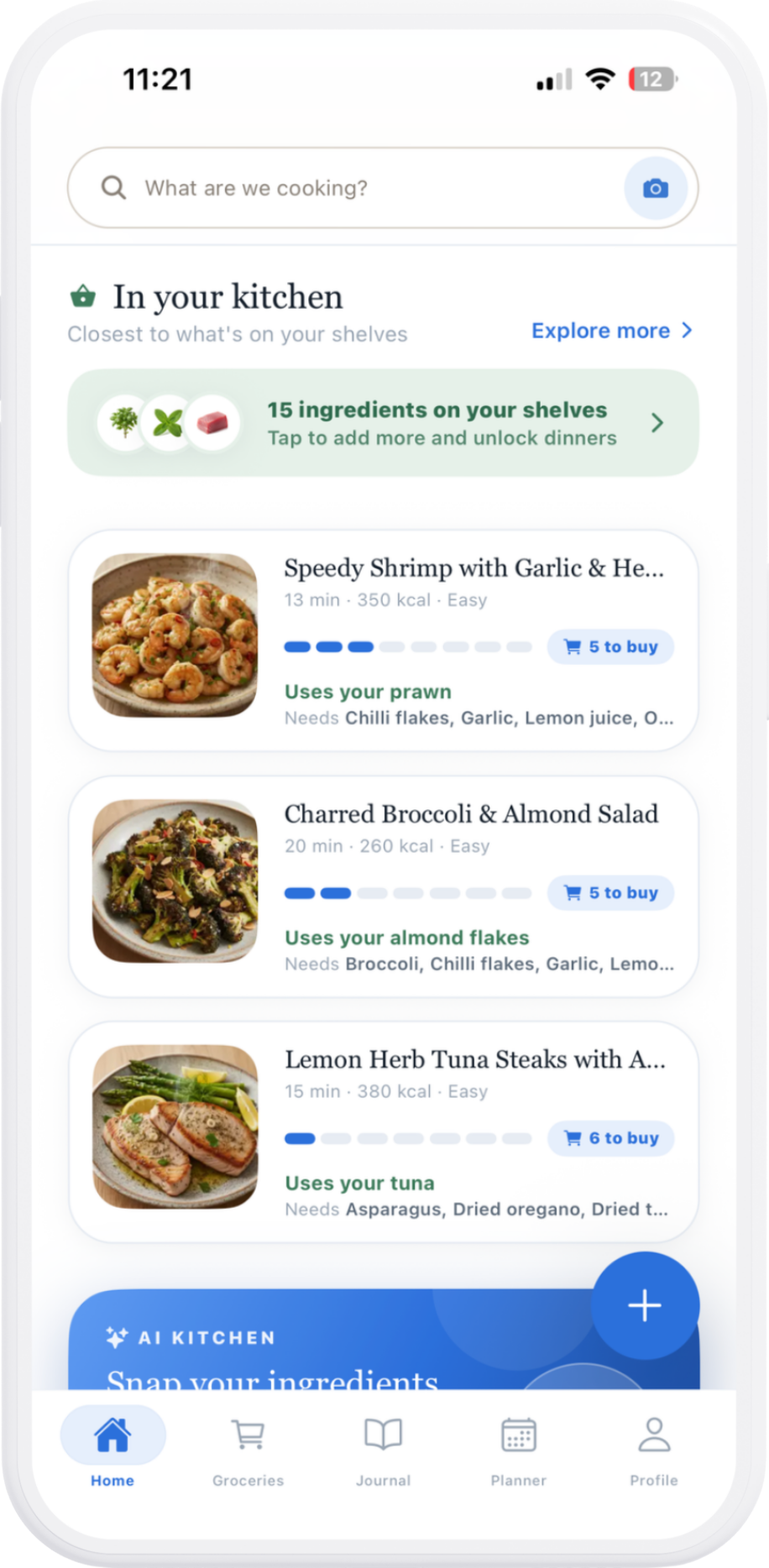
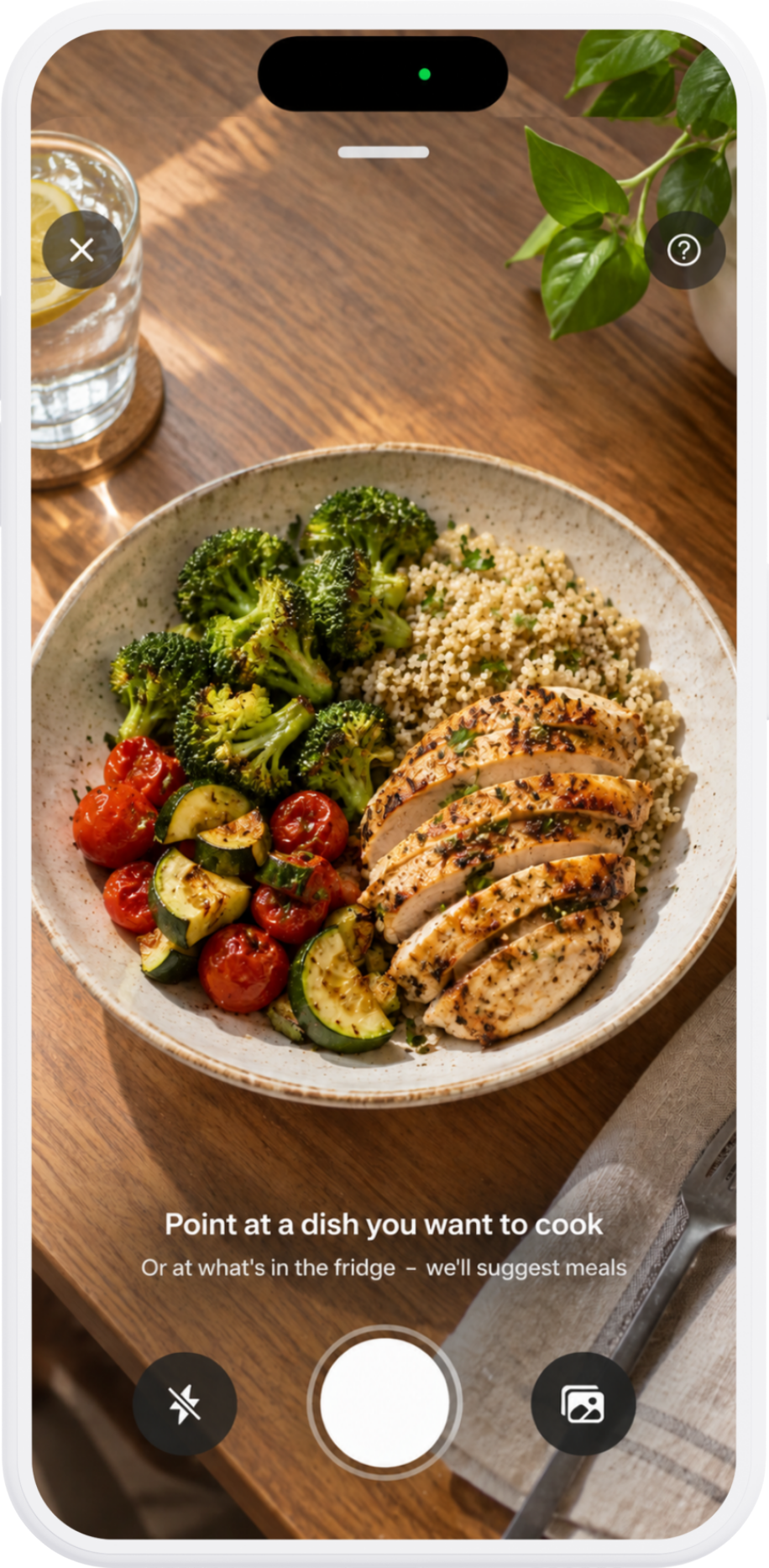
 Snap a dish
…or your fridge
Snap a dish
…or your fridge
AI kitchen
Point, snap, cook
Point your camera at a dish you want to make, or at what's in the fridge. Mealio suggests meals you can cook tonight.
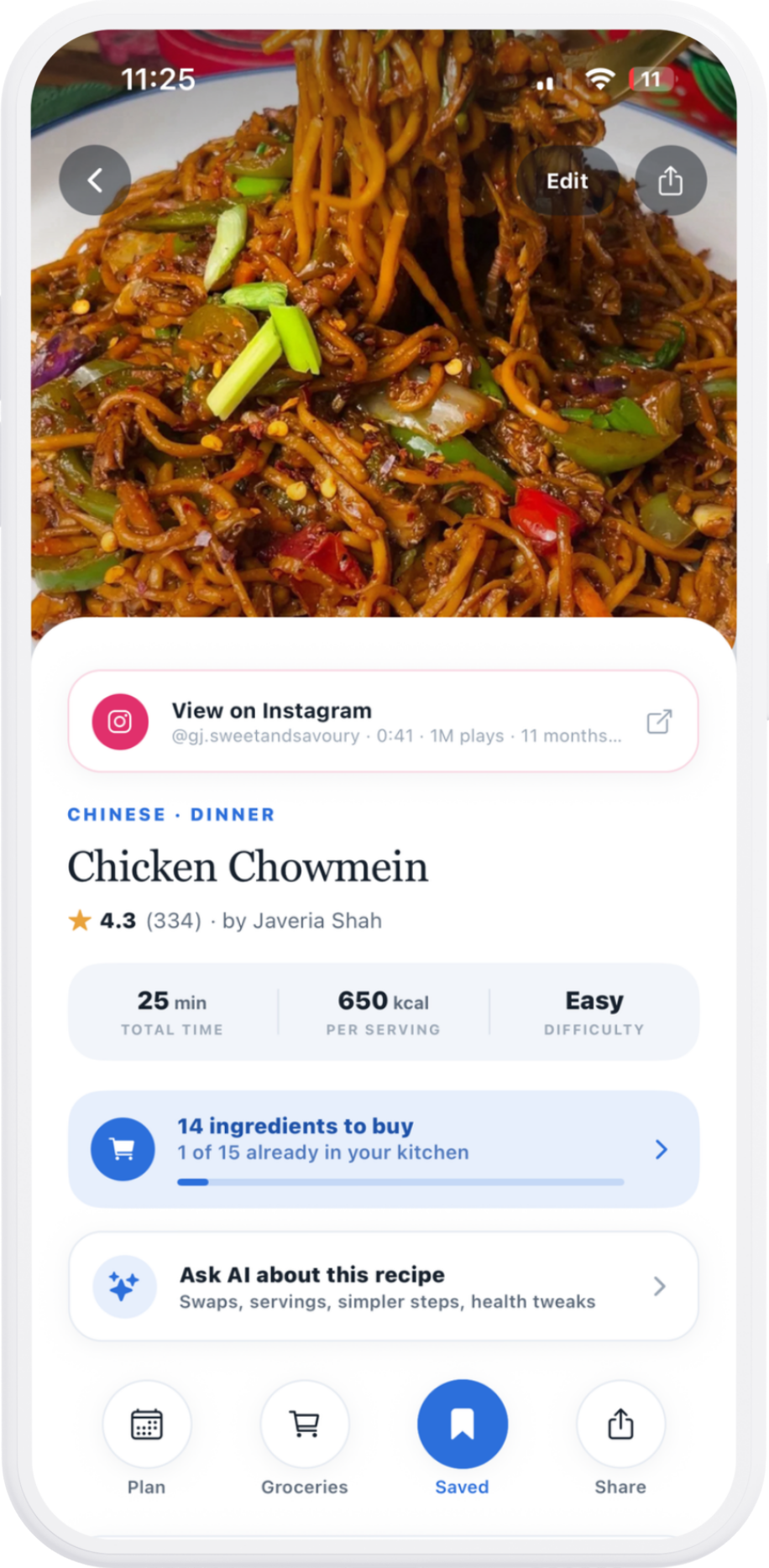 Saved from a reel
14 ingredients to buy
Saved from a reel
14 ingredients to buy
Save from anywhere
Save it from anywhere
Share a reel from Instagram, TikTok or Facebook and it becomes a real recipe, with ingredients, steps and what you still need to buy.
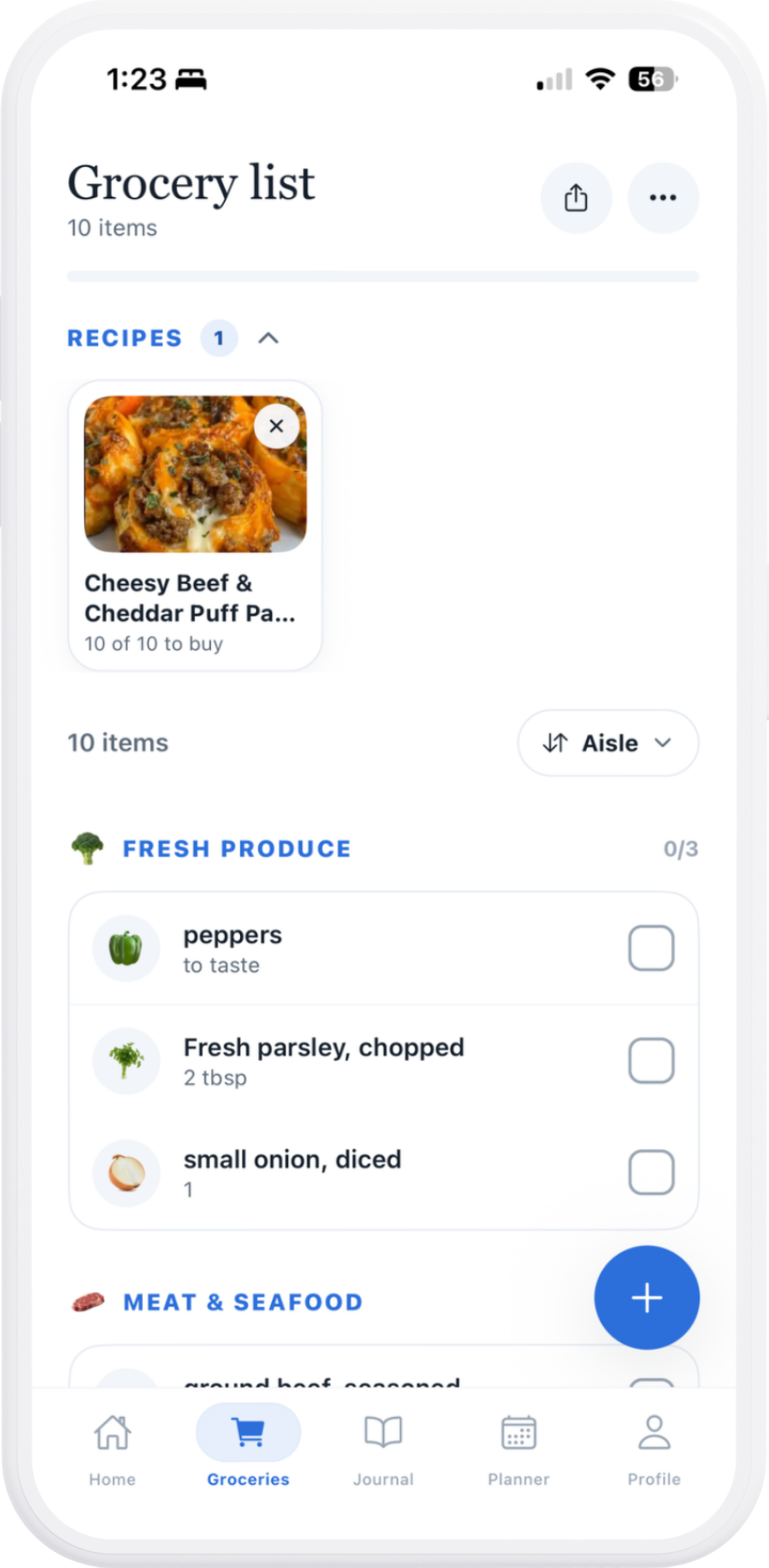 Sorted by aisle
Built from your recipes
Sorted by aisle
Built from your recipes
Groceries
Your list, by the aisle
Add a recipe and the list builds itself, sorted the way the store is laid out. Share it with whoever's doing the shopping.
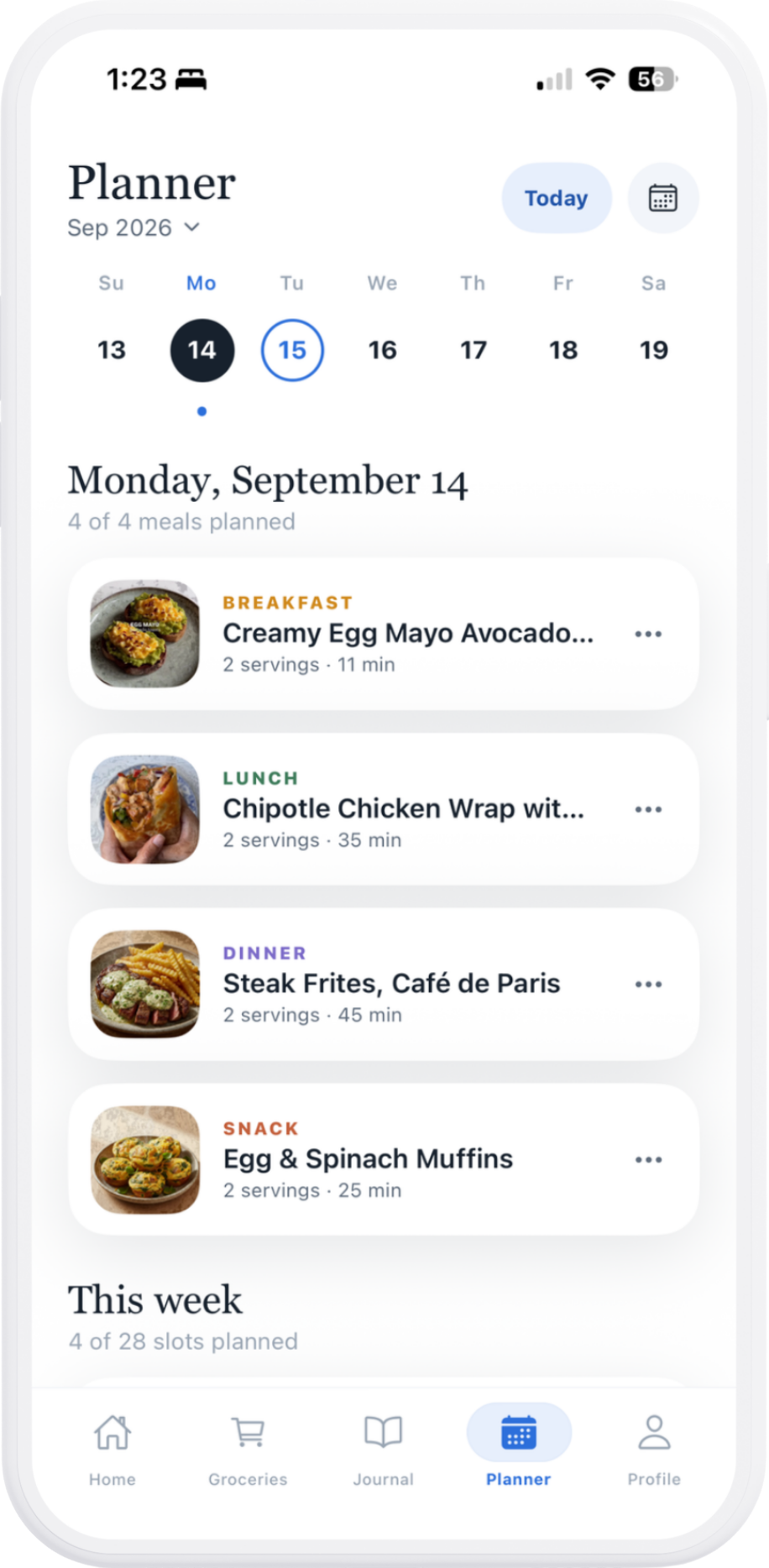 4 of 4 meals planned
Breakfast to snack
4 of 4 meals planned
Breakfast to snack
Planner
Your week, planned
Breakfast to snack, day by day. See what's coming and stop asking "what's for dinner?" at 6pm.
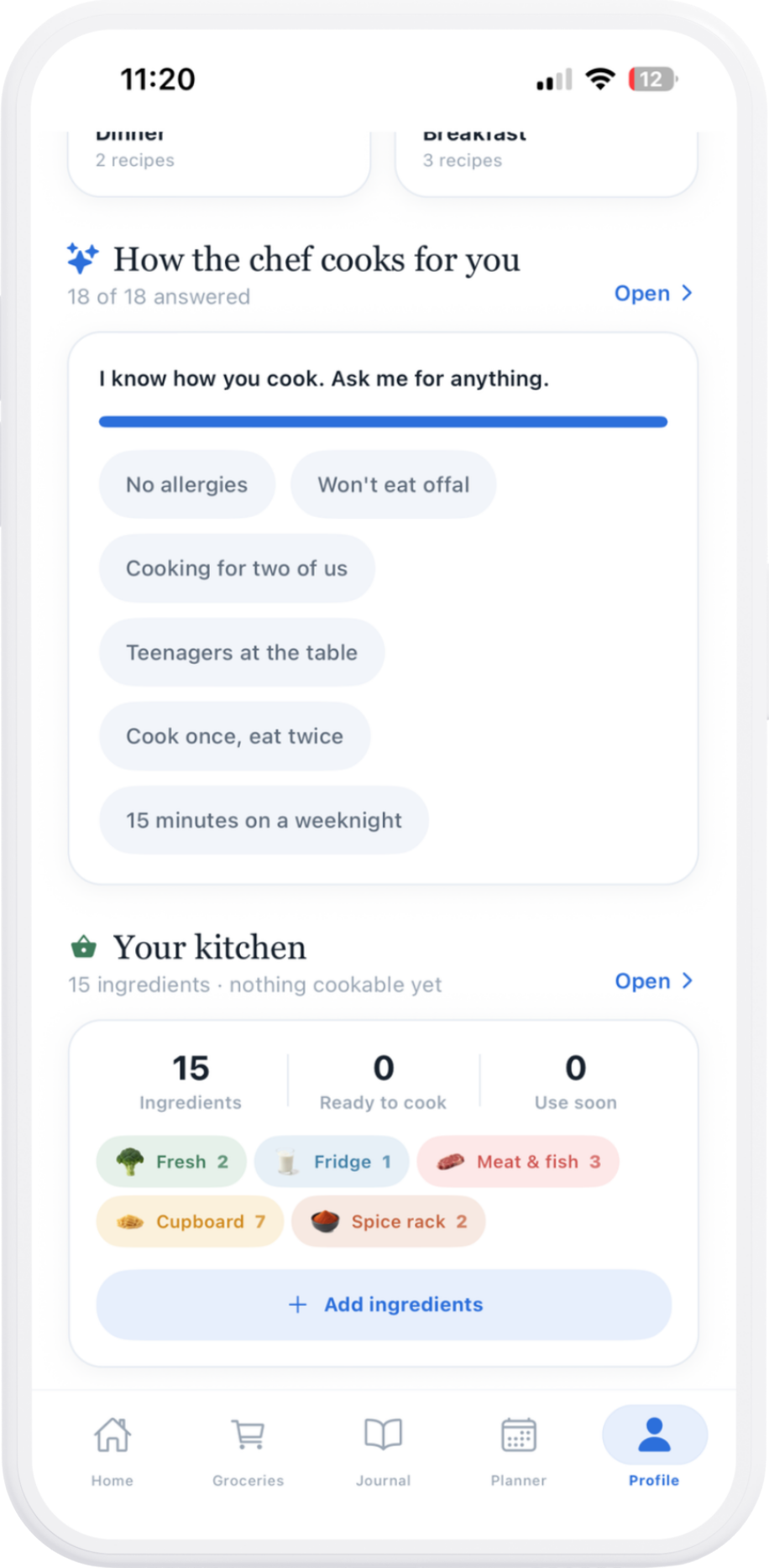 Cooking for two
15 minutes on a weeknight
Cooking for two
15 minutes on a weeknight
Made for you
A chef that knows your table
Allergies, who you cook for, how much time you have on a weeknight. Answer once, and every suggestion respects it.
How it works
Three steps to dinner
-
01
Tell Mealio how you cook
A few quick questions about allergies, diet, who's at the table and how much time you have.
-
02
Add your kitchen
Snap your fridge, type what's on your shelves, or scan a barcode.
-
03
Cook
Recipes ranked by what you already have, with a grocery list for the rest.
FAQ
Your questions, answered
Is Mealio free?
Yes. Mealio is free to download and use, and free accounts include 5 AI uses every week. Premium removes the weekly limit and unlocks extra tools on recipe pages. You'll see the current price in the app before you subscribe.
Where can I save recipes from?
Share a reel or post from Instagram, TikTok or Facebook straight to Mealio from your iPhone's share menu. You can also point your camera at a dish you'd like to cook.
Does it handle allergies and diets?
Tell Mealio about your allergies, diet and who you cook for, and suggestions are filtered to respect them. AI can still get things wrong, so always check ingredients before cooking.
Does it know what's already in my kitchen?
Add ingredients to your kitchen and Mealio ranks recipes by how much of them you already have, then shows exactly what's left to buy.
How do I cancel or get help?
Subscriptions are managed through Apple in your iPhone's Settings. For anything else, visit Support or contact us.